退職者アカウントのセキュリティチェックリスト
David Plaha 著者プロフィール
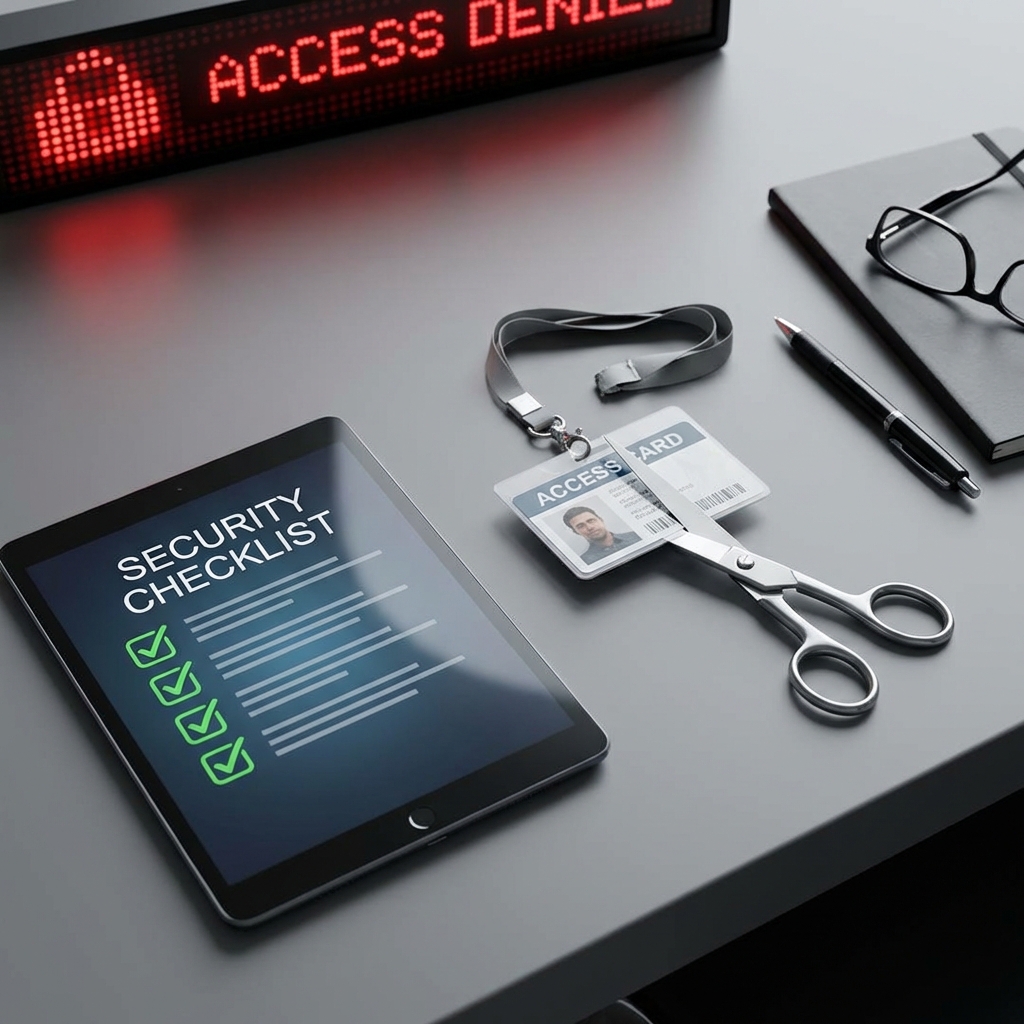
退職者アカウントのセキュリティチェックリスト
退職時のセキュリティチェックリストは、(1) 全アカウントのサインアウト、(2) アクセス権の削除、(3) デバイスの回収、(4) データの返却と削除、(5) 監査ログの確認、(6) 通知の送付の六項目です。即日完了することが原則で、退職日の翌営業日までに全てを完了します。
チェックリストの実装と自動化
チェックリストの実装は HR、IT、法務の三部門で分担します。HR はアカウント無効化を指示、IT は技術的に実行、法務は契約に基づく義務を確認します。自動化は IdP(Identity Provider)の SCIM プロビジョニングで実現できます。監査ログは 90 日以上保持し、不審なアクセスがないかを確認します。
退職者のセキュリティ対応は、人事手続きの最後に行う雑務ではありません。メール、クラウド、SaaS、ソースコード、顧客情報、社内チャット、端末、VPN、管理画面にアクセスできる状態が残ると、情報漏えい、内部不正、取引先へのなりすまし、証拠の消失につながります。
このチェックリストは、退職時にIT、セキュリティ、人事、部門責任者が確認すべき項目を実務目線で整理したものです。目的は、退職者を疑うことではなく、本人と会社の双方を守れる説明可能な手順を作ることです。
退職前に準備する情報
まず、退職者が使っているアカウントと端末を一覧にします。メール、Microsoft 365、Google Workspace、Slack、Teams、CRM、会計、クラウド、GitHub、VPN、パスワード管理ツール、社内管理画面、外部委託先ポータルなどを確認します。
同時に、退職日、最終出社日、権限停止の時刻、引き継ぎ担当者、端末回収方法を決めます。高い権限を持つ管理者、営業担当、経理担当、開発者、外部委託先の場合は、通常より早めに棚卸しを始めるべきです。
アカウント停止の順序
退職当日は、主要なID基盤から停止します。SSO、Microsoft Entra ID、Google Workspace、VPN、パスワード管理ツールを先に止めることで、多くの連携サービスへのアクセスも同時に制限できます。ただし、連携されていないSaaSや個別アカウントは残ることがあるため、一覧に基づいて確認します。
共有アカウントを使っている場合は、退職者だけを外せません。パスワード変更、APIキーの再発行、MFA端末の更新、監査ログの確認が必要です。共有アカウントは責任追跡が難しいため、長期的には個人別アカウントへ移行してください。
端末とデータの回収
会社支給のPC、スマートフォン、セキュリティキー、入館カード、外付けストレージを回収します。リモート勤務の場合は、返送方法、追跡番号、初期化前の証跡、MDMの状態を記録します。端末が返却されない場合は、リモートロック、トークン失効、ディスク暗号化の状態確認を優先します。
個人端末を業務利用していた場合は、MDM、メールプロファイル、VPN、業務アプリ、ローカル保存ファイルを確認します。本人の私物データに踏み込みすぎないよう、事前にBYODポリシーと同意範囲を明確にしておくことが重要です。
クラウドと共有リンクの確認
退職者が所有していたGoogle Drive、OneDrive、SharePoint、Notion、Dropbox、Boxなどのファイルは、必要に応じて管理者や後任者へ移管します。外部共有リンク、公開リンク、個人メールへの共有、退職者個人アカウントへの共有が残っていないか確認してください。
開発者や管理者の場合は、クラウドIAM、SSHキー、APIキー、CI/CDトークン、GitHubトークン、デプロイキー、レジストリ認証情報も確認します。ソースコードや本番環境に触れる鍵は、退職後にローテーションするのが安全です。
メールと業務引き継ぎ
メールアカウントをすぐ削除すると、取引先連絡や証跡が失われることがあります。多くの場合、ログインは停止し、メール転送、共有メールボックス化、自動返信、後任者への引き継ぎを設定します。法務や人事の要件に応じて保存期間も決めます。
顧客対応、請求、採用、法務、セキュリティ対応に関わるメールは、削除せずに保全するほうが安全です。退職者の個人情報と会社の証跡の両方に配慮し、アクセスできる管理者を限定します。
ログ確認と異常兆候
退職前後には、通常と異なるログイン、深夜の大量ダウンロード、外部共有の増加、管理者権限の変更、MFA設定の変更、個人メールへの転送設定を確認します。異常があった場合は、すぐに本人を責めるのではなく、事実、時刻、対象、影響範囲を記録します。
重要なのは、証拠を壊さないことです。端末初期化やアカウント削除を急ぐと、調査に必要なログが失われる場合があります。疑わしい場合は、ログ保存、端末隔離、アクセス停止、関係者への報告を順番に進めます。
部門別の追加チェック
営業担当者はCRM、顧客リスト、見積書、契約書、名刺管理ツールを確認します。経理担当者は銀行、請求、会計、支払い承認、税務関連システムを確認します。開発者はリポジトリ、クラウド、CI/CD、シークレット、監視ツールを確認します。管理職は共有フォルダ、承認権限、外部委託先との連絡経路を確認します。
役割ごとにチェック項目を分けると、退職対応が属人的になりにくくなります。全員に同じ長いリストを使うより、共通項目と職種別項目を分けたほうが運用しやすいです。
緊急退職と通常退職の違い
通常退職では、引き継ぎと権限整理を計画的に進められます。一方、懲戒、契約終了、内部不正の疑いがある退職では、アクセス停止、ログ保全、端末回収、関係者への連絡を短時間で進める必要があります。こうしたケースでは、人事だけで判断せず、法務、IT、セキュリティ、部門責任者で役割を分けてください。
緊急退職では、削除よりも保全を優先する場面があります。メール、チャット、クラウドログ、端末状態を残さず削除すると、後で何が起きたか説明できません。ログの保存期間と閲覧権限を決め、必要な範囲だけを確認することで、プライバシーと会社の保護を両立しやすくなります。
退職後の再確認
退職日から数日後に、無効化漏れがないか再確認します。SaaSの請求一覧、SSO未連携サービス、外部共有、メール転送、管理者権限、APIキーを再チェックします。数週間後には、不要なライセンスを削除し、後任者に移管されたデータが正しく使えるか確認します。
退職対応で見つかった漏れは、次回のチェックリストに反映します。一度の退職対応を終わらせるだけでなく、入社時のアカウント発行、権限付与、部署異動の手順まで見直すと効果が高くなります。
まとめ
退職者アカウントのセキュリティでは、アカウント停止、端末回収、クラウド共有、鍵変更、ログ確認、引き継ぎを順番に進めることが大切です。手順が曖昧なままだと、退職者本人にも会社にも余計なリスクが残ります。
退職対応の手順や内部不正対策を見直したい場合は、/ja/contactから相談できます。関連する診断やクラウド設定レビューは/ja/servicesで確認できます。
自動化と監査
退職者管理の自動化は ID プロビジョニングツールと SIEM の統合で実現できます。アクセス権削除、デバイス回収、データ消去の三つを自動化することで、人的ミスを削減できます。監査ログは 90 日以上保持し、不審な活動を検知できる体制を維持します。
リモートワーク特有のリスク
リモートワーク環境では、個人のデバイスと自宅ネットワークが追加のリスク源となります。BYOD ポリシー、VPN 利用の徹底、クラウドサービスのアクセス権管理が特に重要です。
組織文化とセキュリティ意識
退職時のセキュリティ管理を定着させるには、組織文化としての意識向上が重要です。オンボーディング時の権限付与と、オフボーディング時の権限削除を一貫して運用することで、人的ミスによるセキュリティインシデントを削減できます。