How to Receive Text Messages from Another Phone Number Legally
CyberLord Security Team Author profile
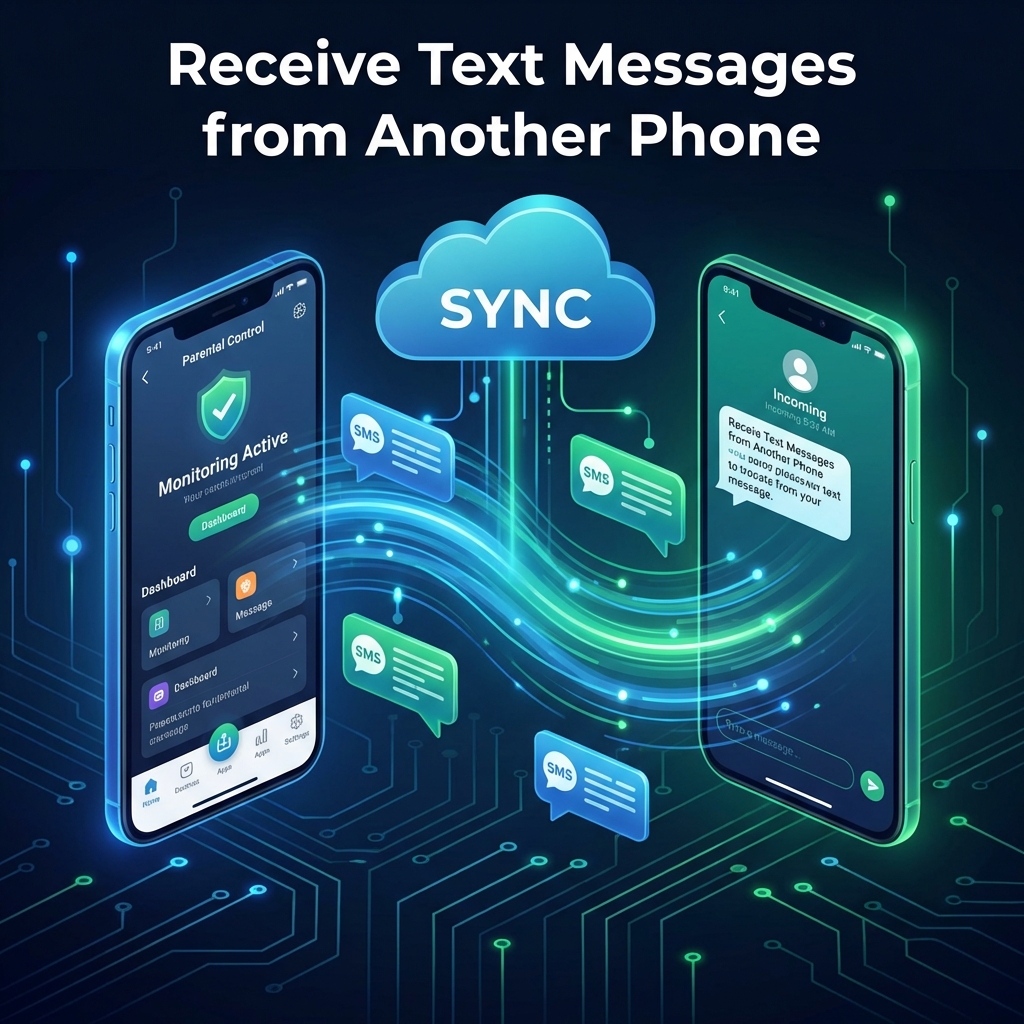
If you need to know how to receive text messages from another phone number, begin with one question: do you own or have clear authority to manage that number and device? If the answer is yes, you may be able to use Apple or Google synchronization, a carrier service, a family-safety app, or business device management. If the answer is no, do not attempt to access the messages.
This guide compares free synchronization, paid monitoring tools, compatibility checks, privacy questions, and the warning signs behind services that promise private messages from only a phone number.
Authorized-use notice: Use these methods only for a number you own, a minor child's device you are legally permitted to supervise, or an organization-owned device covered by clear written policy and notice. This article is general information, not legal advice.
Start with the lawful option that matches your situation
The right method depends on ownership, operating system, and purpose. For your own number, official synchronization is usually the simplest and least expensive answer. For a child's device, a paid family-safety product may add a dashboard and alerts, but only when parental monitoring is lawful and proportionate. For a company phone, mobile device management and written policy are generally more appropriate than a consumer monitoring app.
| Situation | Best starting point | What you need |
|---|---|---|
| Your number on a second Apple device | Messages in iCloud or Text Message Forwarding | The same Apple Account and trusted-device access |
| Your Android messages on a computer or tablet | Google Messages device pairing | The phone, Google account, and an internet connection |
| A minor child's device | Transparent family rules plus a compatible parental tool | Legal authority, setup access, and a defined safety purpose |
| A company-owned phone | Mobile device management | Ownership records, employee notice, policy, and limited admin access |
| Another adult's private phone | None without valid consent or legal authority | Ask for permission; do not buy covert-access services |
US federal law generally prohibits intentional interception of electronic communications unless an exception applies. Consent and workplace-monitoring rules can also vary by state. Device ownership alone is not automatic permission to read every conversation. Seek qualified local legal advice when authority is disputed, an adult partner is involved, or monitoring could affect employment.
Use Apple or Google sync for a number you own
Official tools are the best first choice when you simply want your own texts on another screen. Apple explains that Text Message Forwarding can make SMS, MMS, RCS, and iMessage conversations available on supported Apple devices signed in to the same Apple Account. Messages in iCloud can keep message history updated across trusted devices. Availability may still depend on device, carrier, region, and current software.
For Android, Google Messages for web pairs the Messages app with a computer or Android tablet. The phone needs an internet connection. Unpair shared or old computers because cached conversations can expose verification codes and personal information.

Before buying anything, remove account sessions you do not recognize, enable two-factor authentication, and secure the carrier account against unauthorized SIM changes. If a phone is lost, use the official recovery and replacement process. A monitoring product will not repair a compromised Apple, Google, or carrier account.
Official sync is not the same as secretly cloning a number. With the device owner's written authorization, it relies on authenticated accounts, trusted devices, or pairing, and the setup should verify which messages are actually synchronized. Any website claiming it can display anyone's messages from a phone number alone, with no account verification or device access, is not offering a credible substitute.
Compare mSpy, Eyezy, and Sphnix before paying
mSpy, Eyezy, and Sphnix are commercial options for authorized family monitoring. Features can change after iOS or Android updates, and visibility differs among SMS, iMessage, RCS, and chat apps. Cyberlord has not independently verified every current feature or device combination. Check current compatibility, setup, privacy, billing, and refund terms before purchase.
| Product | Why an authorized buyer may consider it | Verify before checkout |
|---|---|---|
| mSpy | A consolidated monitoring dashboard for a compatible, authorized device | Exact OS support, required device access, available message sources, renewal price, cancellation, and refunds |
| Eyezy | A family-safety product to compare when supervision and alerts are the main goal | Which alerts and message categories work on the specific device, setup steps, data handling, and subscription terms |
| Sphnix | An additional option for buyers who want to inspect its presented dashboard or demo | Whether the demo reflects current functionality, installation requirements, support access, billing, and refund policy |
Take the phone model and operating-system version to the vendor's compatibility page. Confirm whether physical access, account credentials, installation, or a backup is required. Ask support to answer unclear points in writing and save the checkout terms.
Affiliate disclosure: Cyberlord may earn a commission if you purchase through the sponsored links below, at no additional cost to you. Placement does not mean a product is suitable for every device or legal situation.
- Check current mSpy compatibility and plans
- Compare Eyezy for an authorized family device
- Review the Sphnix demo and current terms
Decide whether paid monitoring is actually necessary
A paid app makes sense only when official synchronization does not meet a legitimate supervision need. A parent may want one place to review safety alerts, or a household may need cross-platform support. Those benefits do not remove setup restrictions or legal responsibilities.

Define the problem before choosing a plan: bullying, scam contacts, unsafe links, or a documented welfare concern. Decide what information is necessary and who may review it. Explain age-appropriate rules, restrict dashboard access, and reassess as the child matures. Targeted supervision creates less privacy risk than indefinite collection.
For business phones, document what the company collects, why, who reviews it, and how long it is retained. Mobile device management better fits provisioning, inventory, security settings, remote wipe, and compliance reporting. Consumer parental tools are not a shortcut around HR review or employee notice.
Check compatibility, billing, privacy, and support
Buyers often focus on whether an app says it can show texts. A better decision uses a complete checklist:
- Authority: Record why you may manage the device and whether notice or consent is required.
- Compatibility: Verify the exact phone model, operating-system version, account type, and message service.
- Setup: Confirm whether you need the unlocked phone, account access, a cable, cloud backups, or ongoing physical access.
- Coverage: Separate SMS, MMS, RCS, iMessage, and third-party apps instead of assuming “messages” means all of them.
- Security: Read how the provider protects dashboard access and stored data. Use a unique password and multifactor authentication when offered.
- Billing: Check the initial charge, renewal period, renewal price, taxes, cancellation method, and refund eligibility.
- Support: Look for documented support channels and ask a compatibility question before buying.
- Removal: Know how to stop collection, uninstall the product, revoke permissions, and delete the account and retained data.
The FTC's endorsement guidance says financial relationships should be disclosed clearly and conspicuously near recommendations. That is why the commission notice appears beside the purchase links, rather than being buried at the bottom of the page.
Avoid free-access scams and secure your own messages
People searching for how to receive text messages from another phone number free may find pages requesting an Apple Account password, Google recovery code, SIM details, or payment card “for verification.” Do not provide them. Legitimate free methods use services you control, such as Apple sync, Google pairing, carrier features, or verified backups.
Warning signs include claims of access to any phone, no setup or authorization requirement, pressure to pay with cryptocurrency, requests to disable device security, and refusal to provide written billing or privacy terms. A polished dashboard preview does not verify that the service supports the advertised device or message types.
If you think someone else is receiving your messages, change the Apple or Google password from a trusted device, review account sessions, unpair unknown computers, update the operating system, contact the carrier about SIM and port-out protection, and preserve evidence of suspicious alerts. Our guide on how to tell if your phone has been hacked covers additional defensive checks.
Conclusion
The safest answer to how to receive text messages from another phone number starts with authorization. Use Apple or Google synchronization for your own number. Consider a paid family-safety product only for a compatible device you are lawfully allowed to supervise. Use written policy and business device management for company phones. Never pay for covert access to another adult's private messages.
When comparing mSpy, Eyezy, and Sphnix, verify the current device support, setup method, message coverage, data practices, renewal price, cancellation process, and refund terms. A careful compatibility check before checkout is more valuable than any broad promise on a sales page.
Frequently asked questions
Can I receive text messages from another phone without having that phone?
Usually not through a legitimate setup. Official synchronization and authorized monitoring tools normally require access to the account, the original device, or prior enrollment. A service promising messages from only a phone number should be treated as a serious warning sign.
Can two phones receive text messages from the same number?
Sometimes. Apple can display messages on trusted Apple devices through Messages in iCloud or Text Message Forwarding, while Google Messages can pair an Android phone with a computer or tablet. Carrier support and regional availability can differ.
What is the best app for receiving a child's text messages with permission?
There is no universal best app. Compare mSpy, Eyezy, and Sphnix against the child's device, operating system, message types, setup requirements, price, cancellation terms, and your local law. Verify every feature on the provider's current website before paying.