会社が侵害された可能性を示す10の兆候
David Plaha 著者プロフィール
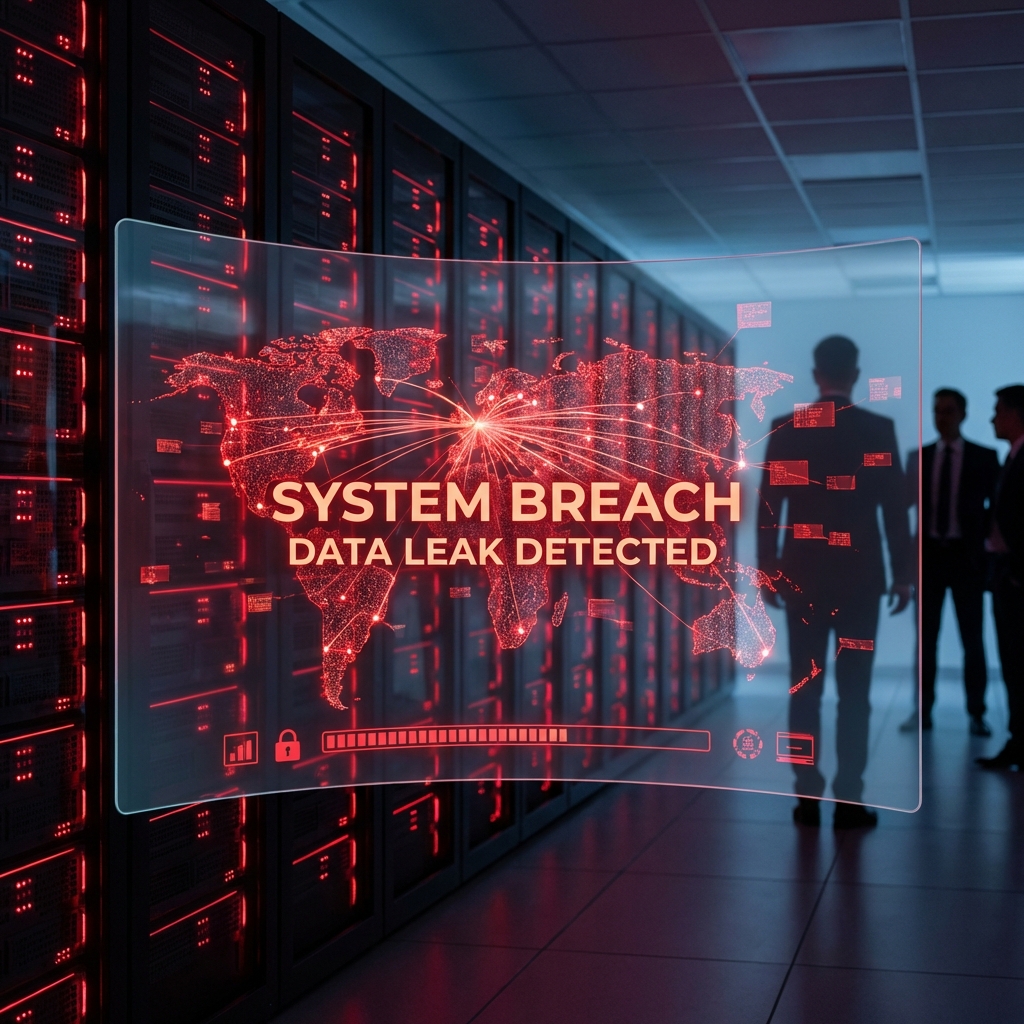
企業の侵害兆候を早期に発見する
企業の侵害兆候を早期に発見することで、被害を最小限に抑えられます。一般的な兆候は、(1) 不審なログイン履歴、(2) 普段と違う通信パターン、(3) 見覚えのないユーザーアカウント、(4) 設定変更の痕跡、(5) データの不審な転送、(6) アラートや通知の増加、(7) 業務速度の低下、(8) 不審なメールやメッセージ、(9) 請求書の不整合、(10) 評判低下、の十項目です。
これらの兆候を定期的にチェックすることで、侵害の初期段階で対処できます。四半期ごとにセキュリティレビューを実施し、ログを分析することで、侵害の有無を確認できます。
インシデント対応計画の策定
インシデント対応計画は、侵害が判明した後の初動、判断、復旧、再発防止の四つのフェーズで構成されます。初動は感染システムの隔離とネットワーク切断、判断は影響範囲の特定と当局への通報、復旧はバックアップからの復元とパスワード変更、再発防止は根本原因分析と運用改善です。
計画は文書化し、年二回の訓練で実効性を確認します。フォレンジック事業者、警察、サイバー保険、弁護士の連絡先を事前に把握しておくことで、初動が迅速になります。
この記事は防御、復旧、調査計画のための一般情報です。第三者の端末、アカウント、ネットワークへ無断でアクセスする行為を助長するものではありません。実務では必ず所有者の同意、書面による承認、法令遵守、証拠保全の手順を確認してください。
会社が侵害された可能性を示す10の兆候は、単にツールを使えば解決する問題ではありません。対象範囲、許可、証拠の扱い、関係者への説明、復旧後の再発防止までを一つの流れとして設計する必要があります。特に不審なログイン、遅い端末、怪しい通信に気づいた管理者にとって重要なのは、早く動くことと、違法または危険な近道を避けることです。
まず確認すべきこと
最初に、誰が対象システムや端末を所有しているのか、どこまで調査してよいのか、どの証拠を残す必要があるのかを整理します。口頭の依頼だけで進めると、後で説明責任を果たせない場合があります。Cyberlordでは、目的、対象、期限、連絡窓口、保存すべきログを確認してから作業に入ります。
よくあるリスク
このテーマで失敗しやすいのは、焦って匿名の業者、ダークウェブ、無許可ツールに頼ることです。そうした方法は詐欺、情報漏えい、二次被害、証拠汚染につながります。初動調査、証拠保全、封じ込め、復旧、再発防止を順番に進めることで、検索意図に合った答えを得ながら、法的リスクと技術的リスクを下げられます。
実務で使う安全な進め方
- 現在分かっている事実、時刻、関係者、画面の状態を記録します。
- アカウント、端末、クラウド、ネットワークのどこに問題があるかを切り分けます。
- パスワード変更や多要素認証の再設定など、被害拡大を止める作業を優先します。
- 証拠を消さない形でログ、通知、メール、取引履歴、スクリーンショットを保存します。
- 必要に応じて、公式サポート、法務、警察、保険会社、セキュリティ専門家へ連携します。
Cyberlordが確認するポイント
Cyberlordは、依頼内容が許可された範囲に収まっているかを最初に確認します。そのうえで、公開情報、ログ、端末状態、アカウント設定、既知の侵害指標を調べ、再現できる事実と推測を分けて報告します。報告書には、影響範囲、優先度、修正手順、再テスト方法を含めます。
依頼前のチェックリスト
- 調査対象の所有者または管理者から明確な承認を得ている
- 調査したい目的と期限を説明できる
- 重要な証拠を削除せずに保存している
- 成果物として何が必要かを決めている
- 違法なアクセスや秘密の監視を依頼しない
CISA と SANS の警告サイン指標
SANS Security Awareness Report と CISA のガイドラインは、侵害の警告サインを 10 のカテゴリに分類しています。不審なログイン、権限変更、暗号化エラー、データ転送、設定変更など、攻撃者が内部で活動する兆候を含みます。
侵害兆候の優先順位
兆候には緊急度があります。即時対応が必要なのは、ランサムウェア通知、Active Directory の予期しない変更、大量のデータ流出、検出回避の試みです。中優先度は、不審なアカウント作成、権限昇格、内部偵察です。
MITRE ATT&CK マッピング
CISA のアドバイザリは、各侵害兆候を MITRE ATT&CK の戦術にマッピングしています。Credential Access(T1078)、Lateral Movement(T1021)、Exfiltration(T1041)などの戦術に対応する兆候が特に重要です。
検出の自動化
SIEM、EDR、XDR などのツールで兆候を自動検出できます。Microsoft Sentinel、Splunk、Elastic Security が代表的なプラットフォームです。
経営層への報告
経営層には技術的詳細よりビジネス影響と投資回収を強調して報告します。改善傾向の可視化が重要です。
よくある質問
自分で調べてもよいですか。
公開情報の確認、公式設定の見直し、自分が管理するアカウントのログ確認は有効です。ただし、他人の端末やアカウントへ入る行為、秘密の監視、攻撃ツールの実行は避けてください。
すぐに対応すべき合図は何ですか。
不審なログイン通知、見覚えのない送金、パスワード変更メール、端末の異常な挙動、知らない転送設定、削除できないアプリがある場合は、証拠を保存して早めに相談してください。
相談時に何を送ればよいですか。
発生日時、対象、画面のスクリーンショット、届いたメール、取引ID、すでに試した対策、希望する成果物を整理してください。秘密情報やパスワードは、依頼範囲と安全な共有方法が決まるまで送らないでください。
再発防止の考え方
一度問題が落ち着いても、同じ原因が残っていれば再発します。多要素認証、権限の見直し、端末更新、バックアップ、従業員教育、監視ルール、インシデント時の連絡手順を整えることで、次の被害を早く検知できます。個人の場合も、主要アカウントの復旧先、家族との確認手順、重要データの保管場所を見直すことが大切です。
まとめ
会社が侵害された可能性を示す10の兆候で大切なのは、早さよりも正しい順序です。違法なハッキングを避け、許可された範囲で調査し、証拠を守りながら復旧と再発防止につなげることで、検索で得た知識を安全な行動に変えられます。緊急性が高い場合は、状況を整理したうえで/ja/contactから相談してください。関連する診断や調査は/ja/servicesでも確認できます。
侵害を最も早く見つける方法は。
EDR 監視と SIEM 分析を 24/7 で運用することが最も効果的です。
兆候を見つけた場合の初動は。
感染システムを隔離し、ネットワークから切断し、IT 部門に連絡します。
警察に通報すべきですか。
はい。重大な侵害は警察に通報する義務があります。
フォレンジック調査はどう依頼しますか。
公認のフォレンジック事業者に依頼するのが安全です。
再発防止策はいつ実施しますか。
根本原因分析後すぐに実施し、四半期ごとに効果を検証します。
サイバー保険は役立ちますか。
はい。ただし、加入条件を遵守する必要があります。
インシデント対応計画は誰が作るべきですか。
CISO またはセキュリティ責任者が作成し、経営層の承認を得ます。
訓練はどのくらい必要ですか。
年二回の机上演習と、年一回の実地訓練が推奨されます。